
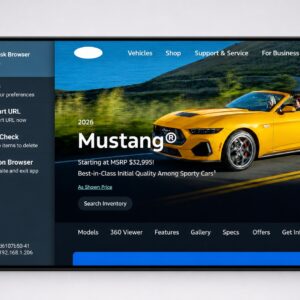
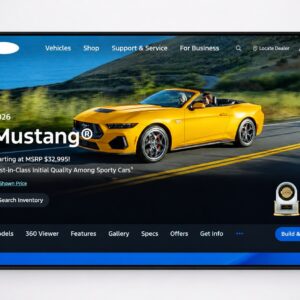
Create a focused, reliable touchscreen experience for digital signage, interactive displays, control interfaces, self-service stations, information panels, and other unattended applications.
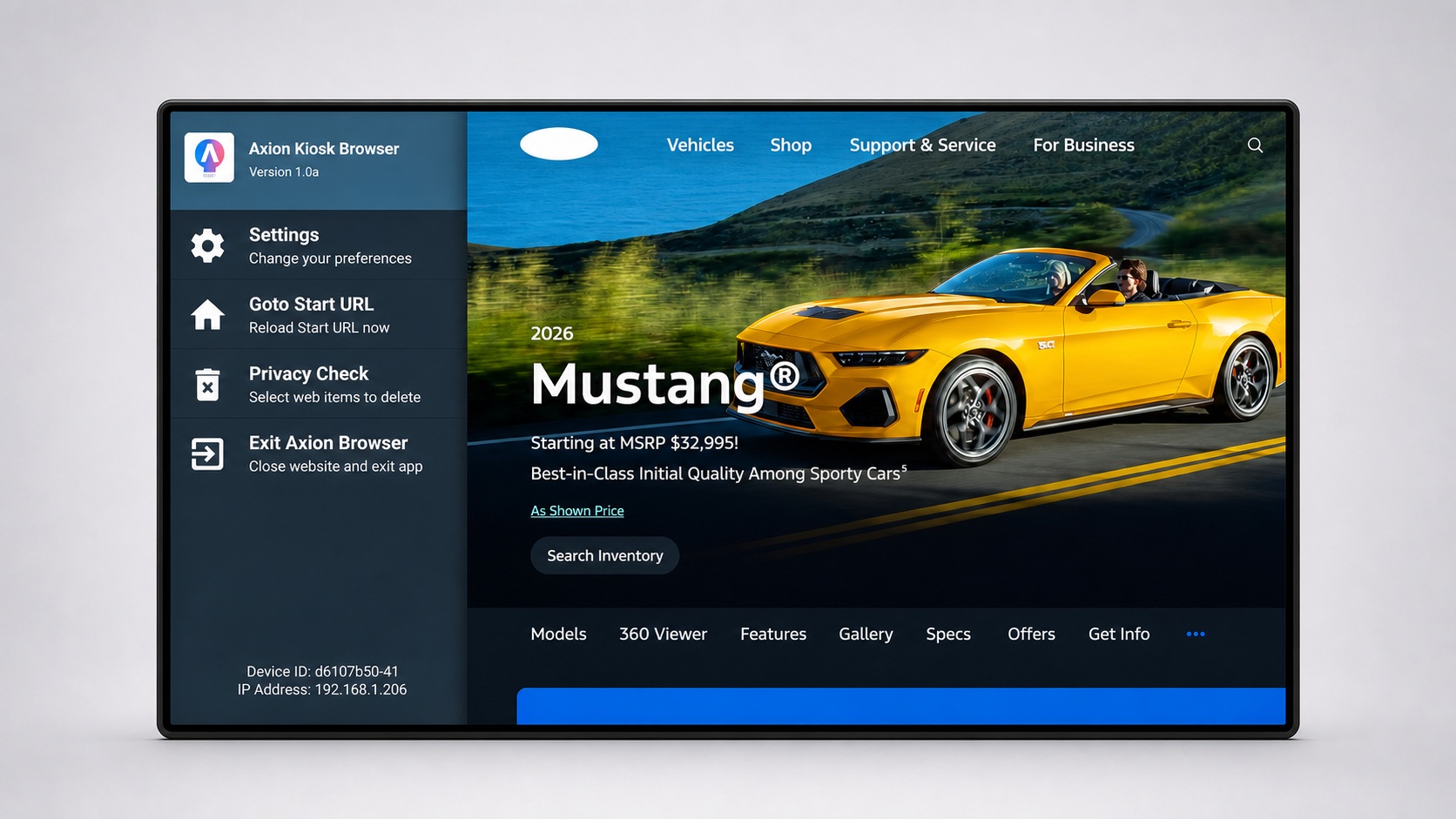
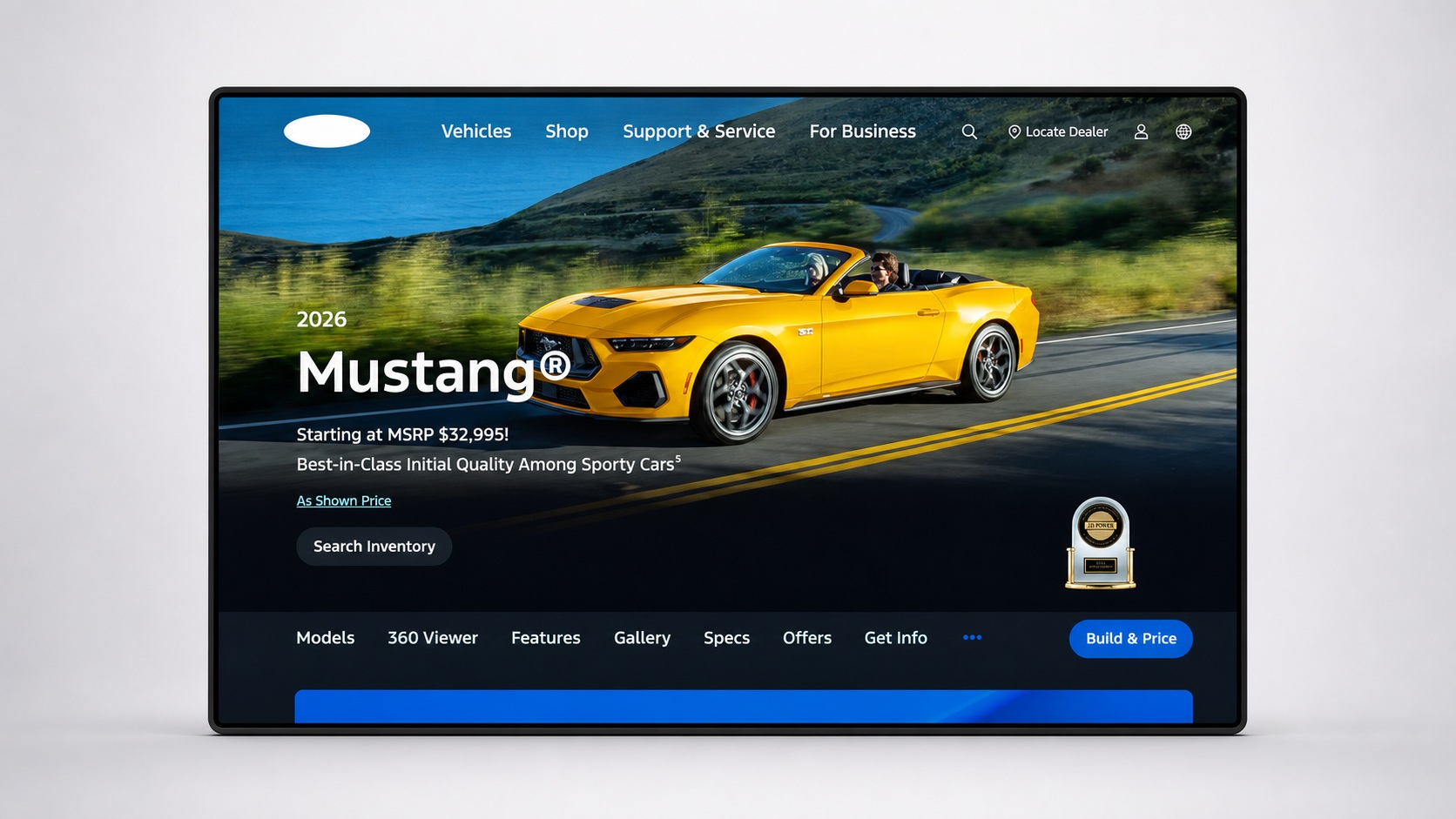
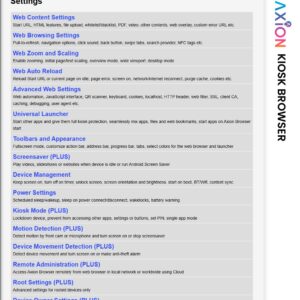
The Axion Kiosk Browser software transforms a compatible Android device into a configurable, full-screen kiosk. Automatically launch a designated website, web application, media presentation, local file, or Android app—then control exactly what users can see and access.
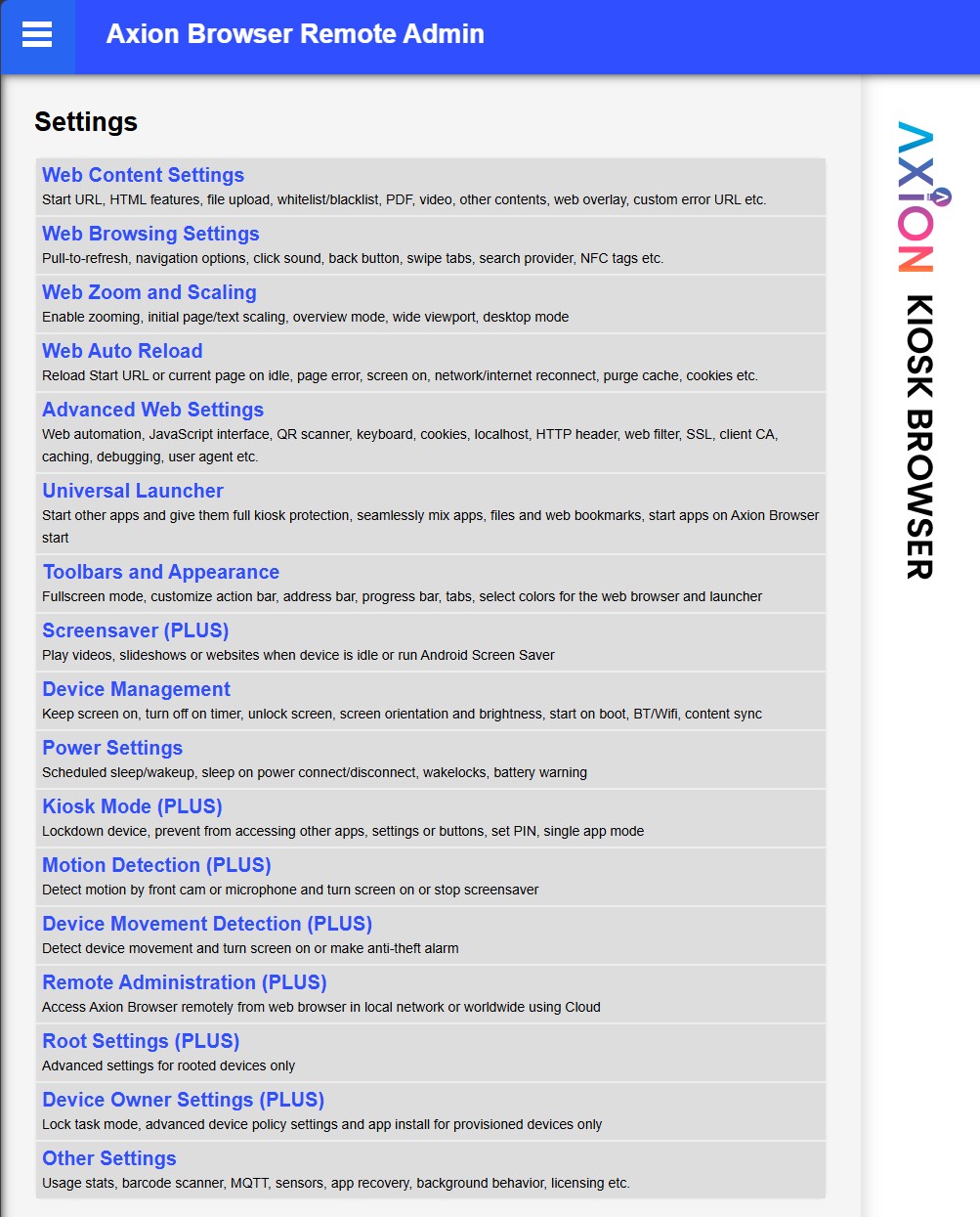
Designed for both simple installations and advanced commercial deployments, the Axion Kiosk Browser combines kiosk lockdown, remote administration, content controls, device management, browser customization, and automation in one flexible platform.
Key Features
- Full-Screen Web Experience
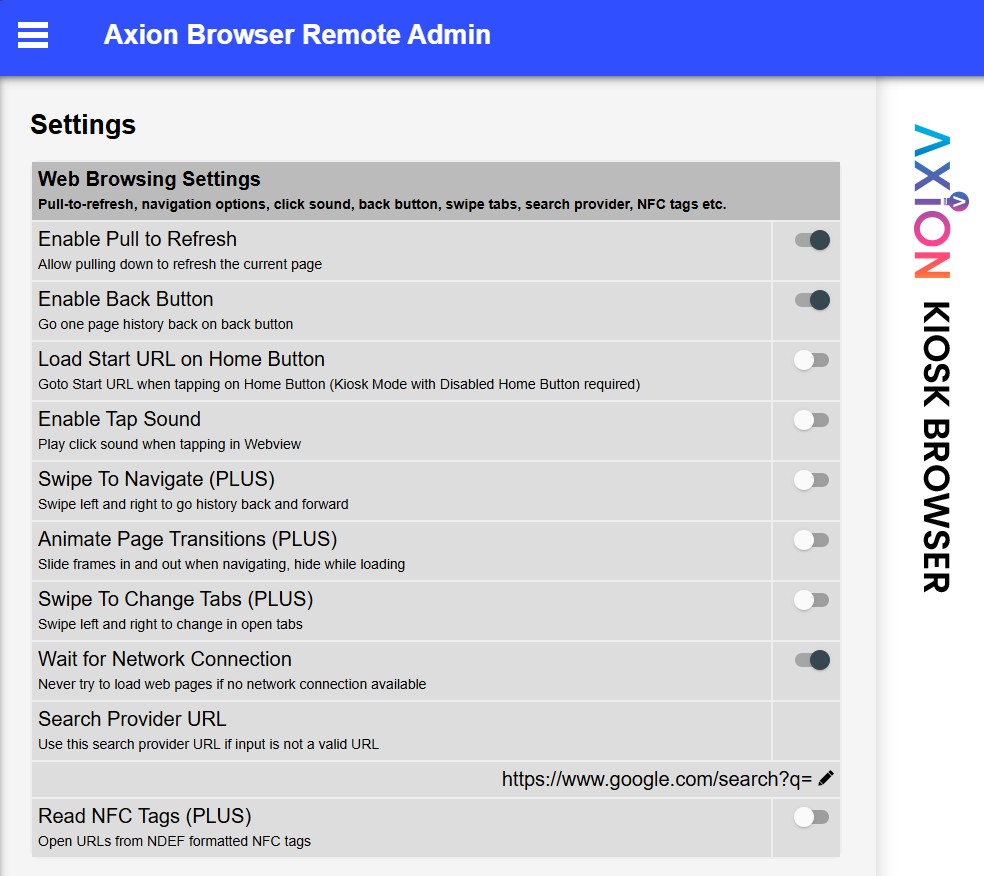
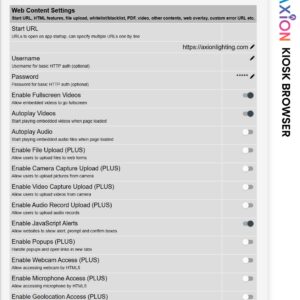
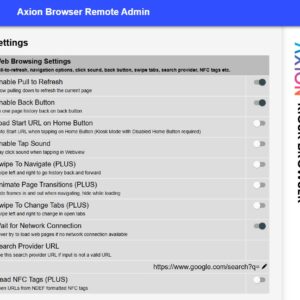
Display websites and web applications without unnecessary browser controls or Android interface elements. Configure one or more start URLs and control navigation, scaling, page zoom, desktop view, text size, tabs, popups, video playback, audio playback, and other web-content behavior. - Secure Kiosk Lockdown
Help prevent unauthorized access to Android settings, other applications, notifications, navigation controls, and device buttons. Configure PIN-protected access, approved applications, restricted URLs, and single-app operation to create a controlled public-facing experience. - Remote Administration
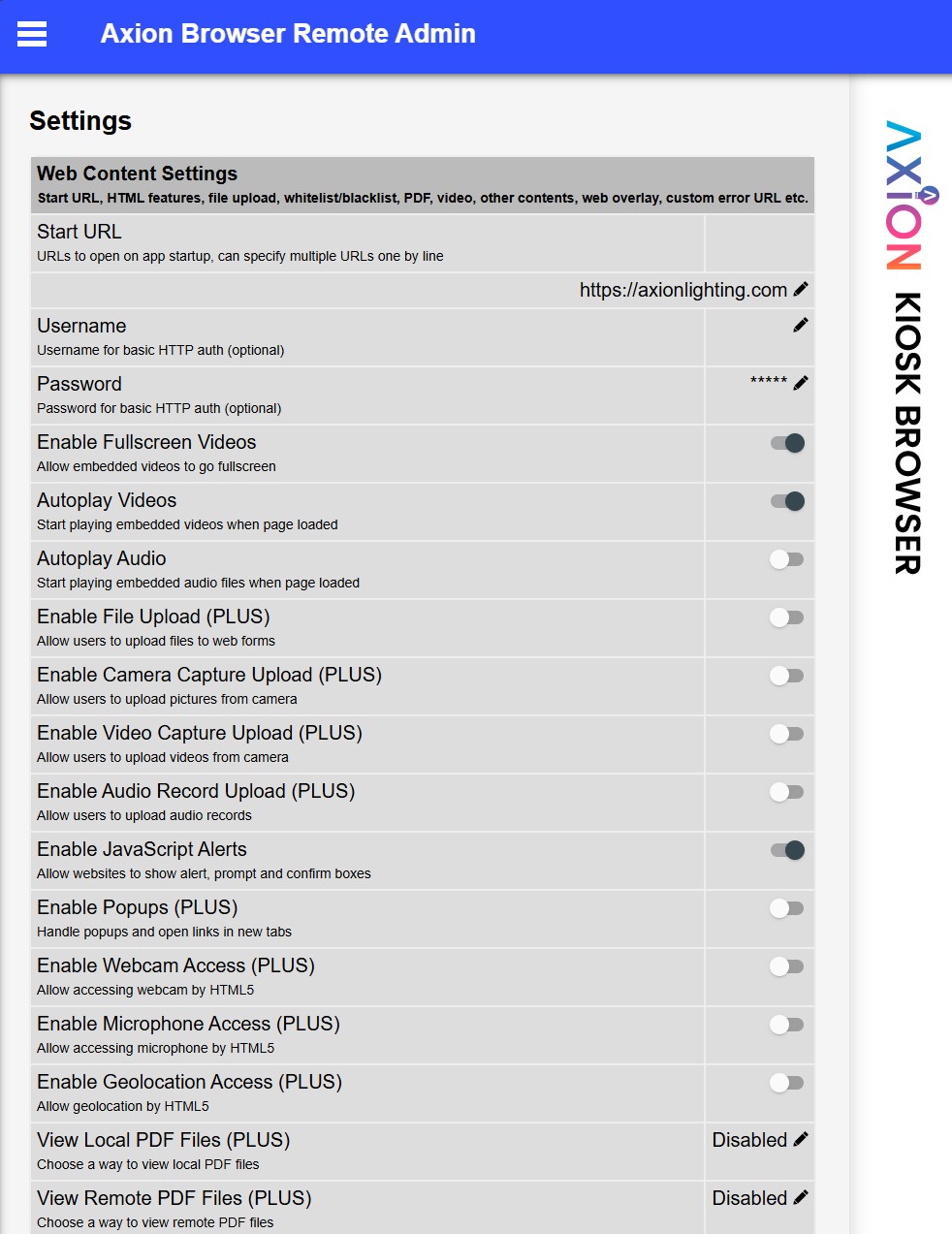
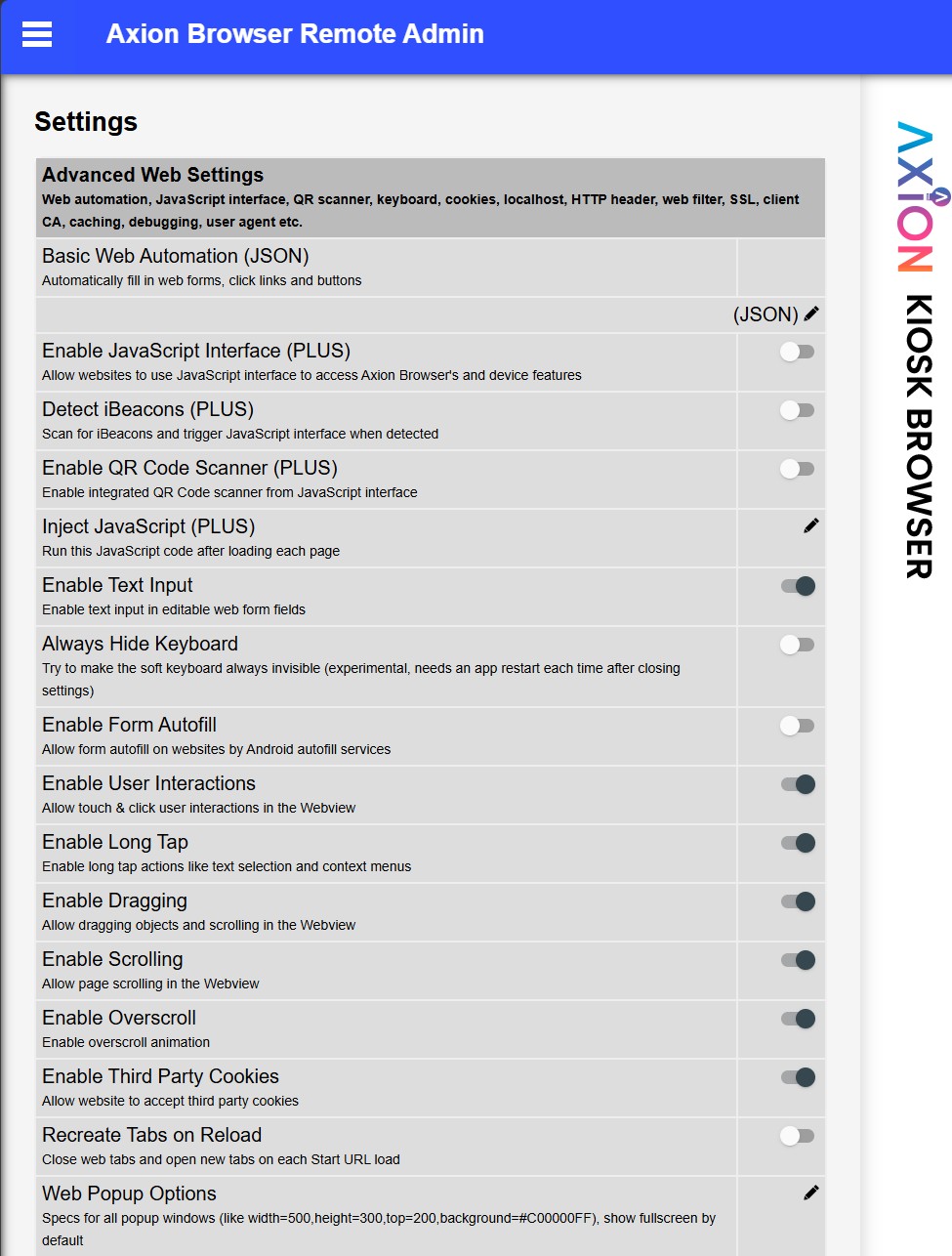
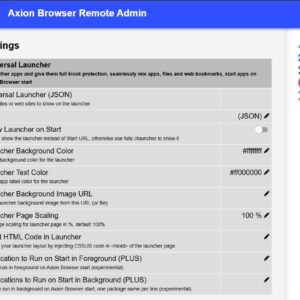
Access supported browser and device settings from the local UI. Administrators can review device information, adjust configurations, manage content, and maintain deployed kiosks without working directly at each touchscreen. - Universal Launcher
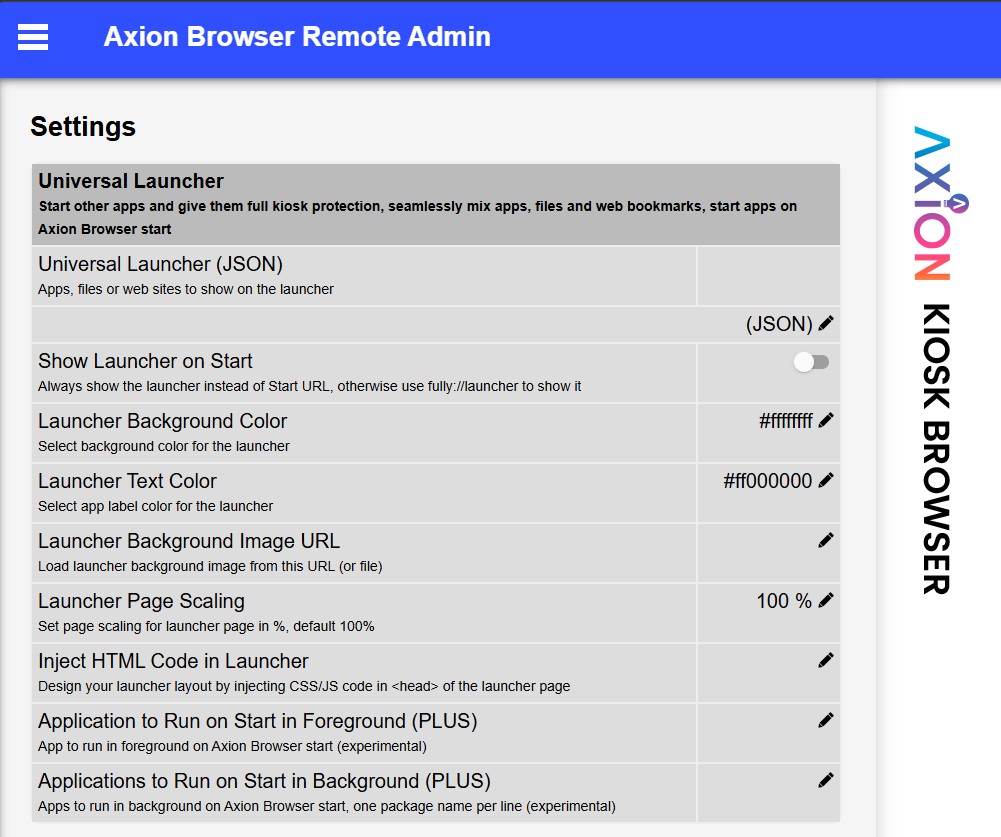
Create a custom launcher containing approved websites, applications, bookmarks, and files. Personalize the launcher with custom colors, labels, scaling, and background imagery to produce a clean, branded user interface. - Customizable Appearance
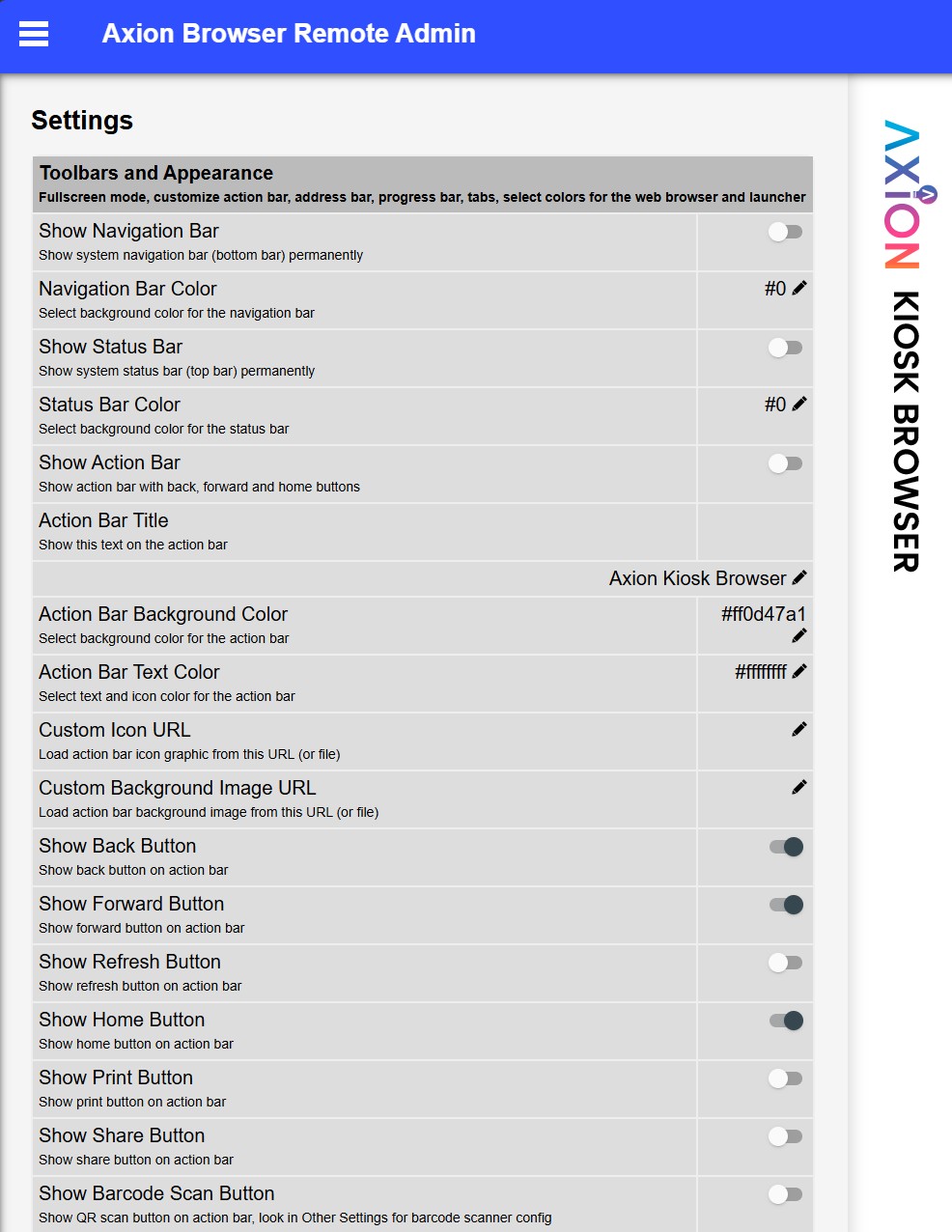
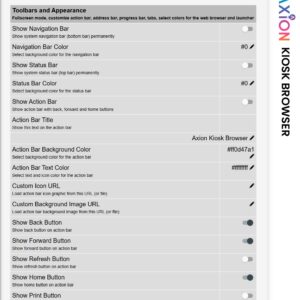
Choose which navigation tools are available to users, including Back, Forward, Refresh, Home, Print, Share, and barcode-scanning controls. Customize toolbar colors, titles, icons, backgrounds, status bars, and navigation bars—or hide them entirely for a seamless full-screen presentation. - Automatic Startup and Recovery
Launch designated content when the device starts, reload pages after network interruptions or loading errors, refresh content after periods of inactivity, and restore the desired experience when the screen wakes or a screensaver ends. - Advanced Web Capabilities
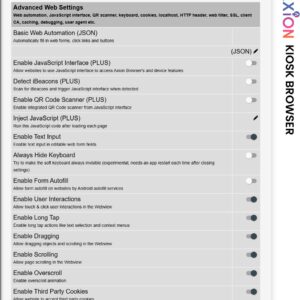
Support modern HTML, CSS, JavaScript, embedded media, HTTP authentication, cookies, form input, file uploads, camera capture, microphone access, geolocation, QR-code scanning, and other interactive website functions when enabled and supported by the device. - Device Management
Control screen orientation, brightness, sleep behavior, scheduled wake and sleep periods, startup actions, network behavior, and other important device functions. The browser can also be configured to start automatically when the device boots. - Screensavers and Digital Signage
Display websites, images, slideshows, or videos when the touchscreen is idle. Screensaver timing, brightness, playlists, and background appearance can be tailored to the installation. - Motion and Movement Detection
On supported hardware like our 8″ V3 touch screen, the front camera, and microphone, can be used to wake the display, stop a screensaver, or trigger movement-related actions. - Web Automation and Integration
Configure automated form entry, button presses, page interactions, injected JavaScript, and communication between web content and supported device functions. Advanced integration options make Axion Kiosk Browser suitable for custom control systems and purpose-built touchscreen interfaces.
Ideal Applications
- Interactive lighting-control interfaces
- Digital signage and promotional displays
- Product-selection and showroom kiosks
- Self-service and check-in stations
- Building automation dashboards
- Hospitality and visitor-information displays
- Employee portals and production terminals
- Menu boards and media presentations
- Dedicated web-app or single-app touchscreens
Flexible Control for Every Installation
The Axion Kiosk Browser software can be configured as a streamlined full-screen browser, a locked single-purpose kiosk, a branded application launcher, or simply a managed touchscreen platform. Its extensive settings allow each installation to be tailored to the content, environment, and level of user access required.
Feature availability may vary according to device hardware, Android version, granted permissions, network configuration, and selected services.

Reviews
There are no reviews yet.