
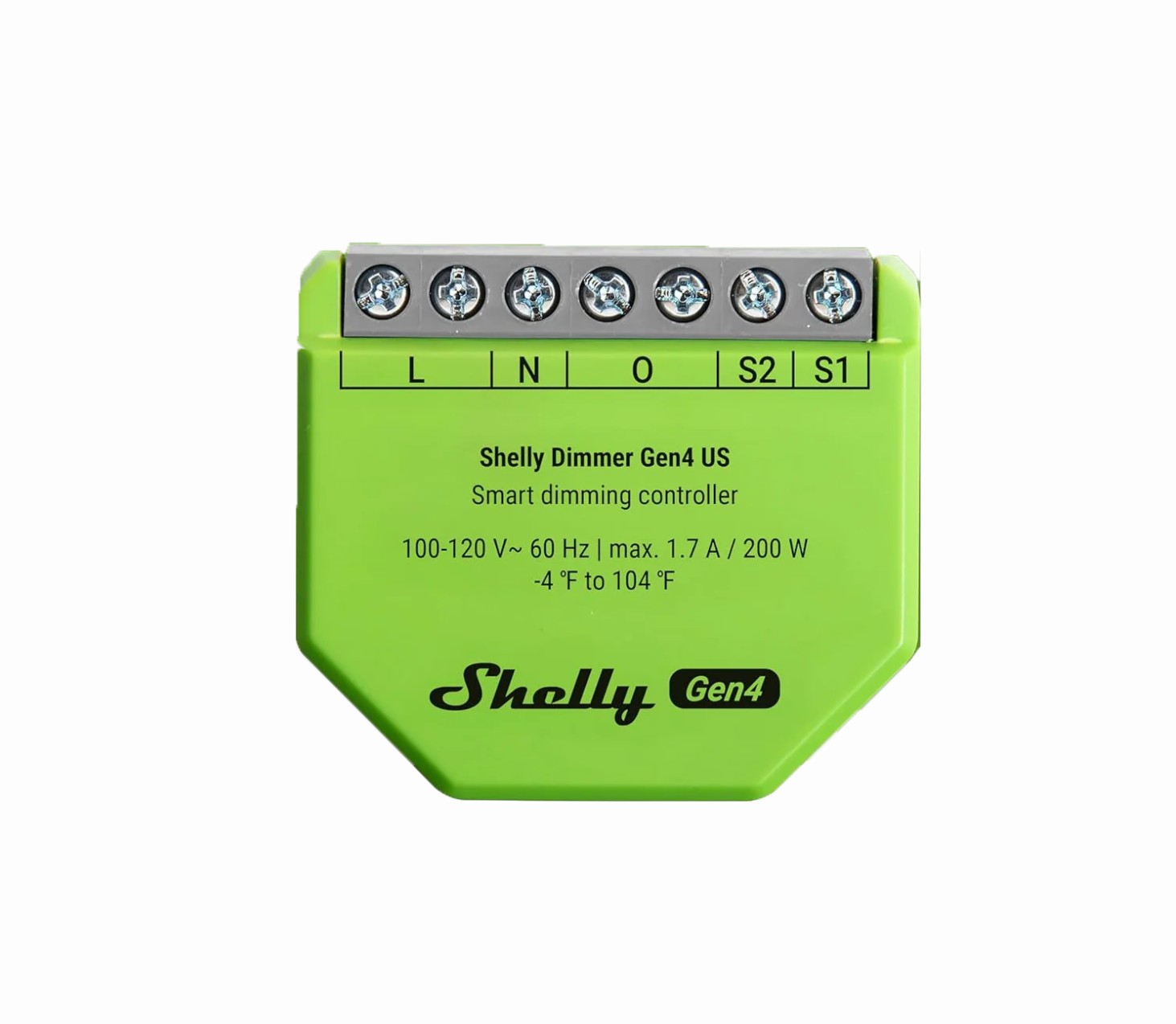
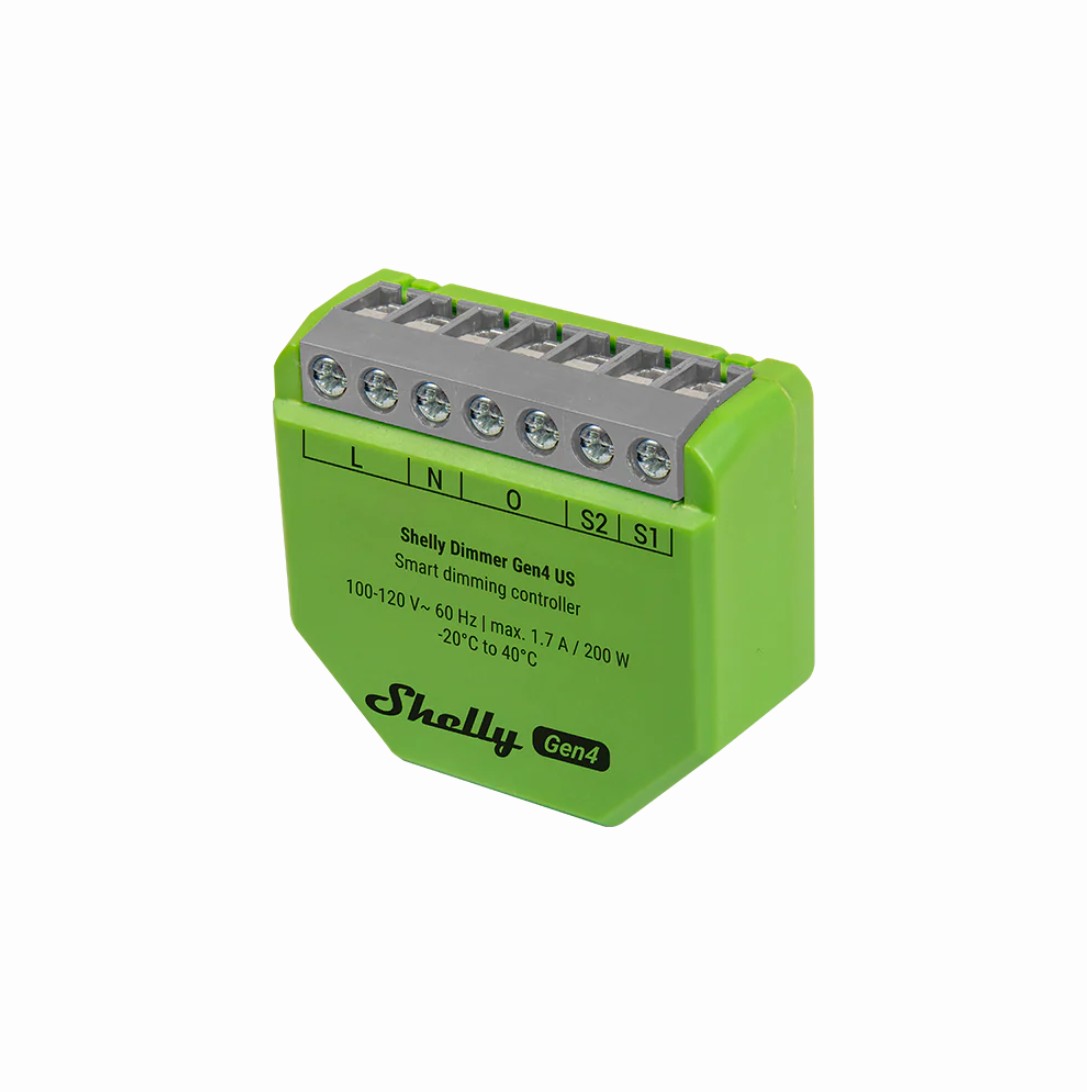
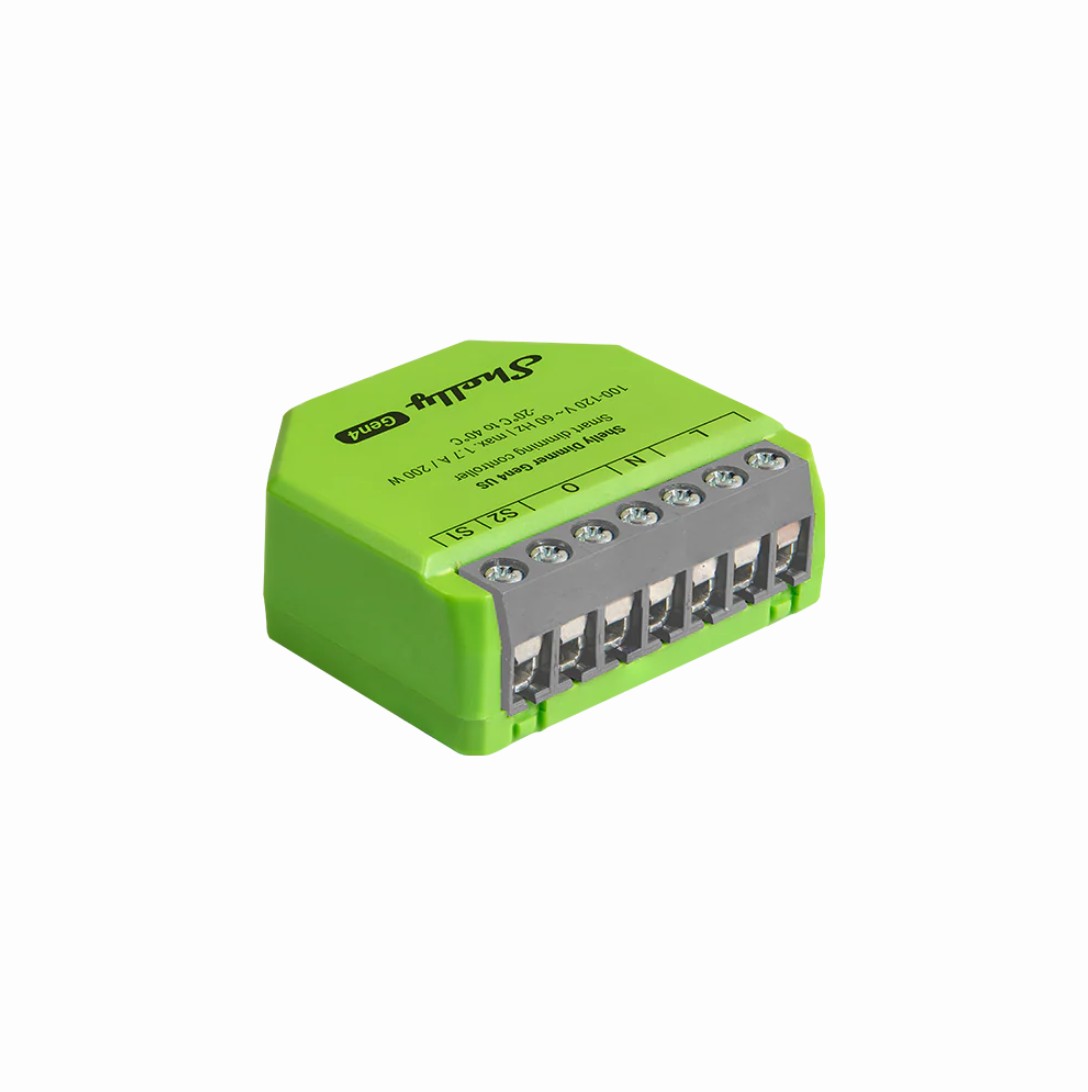
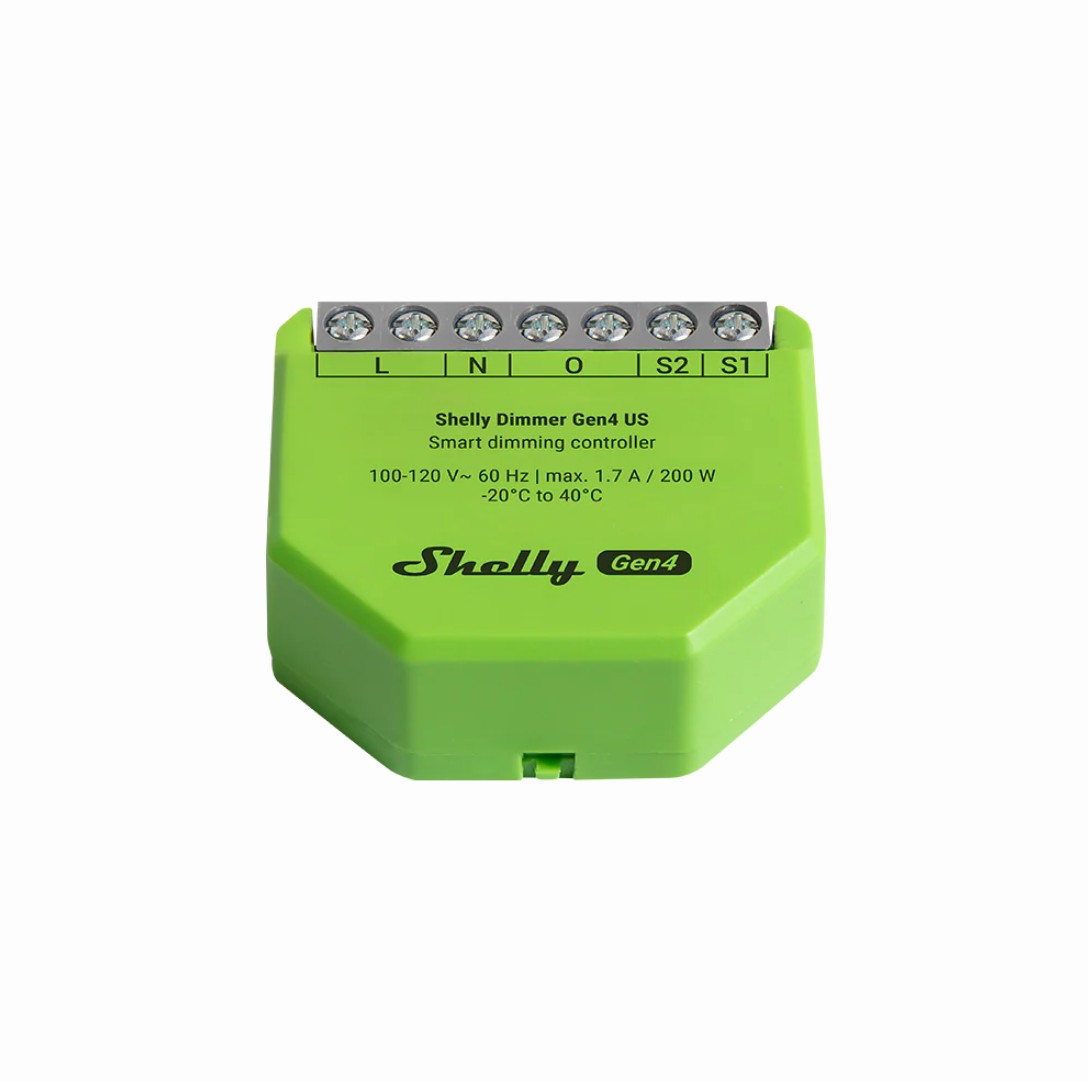



Smart Wi-Fi dimmer for all electrical installations
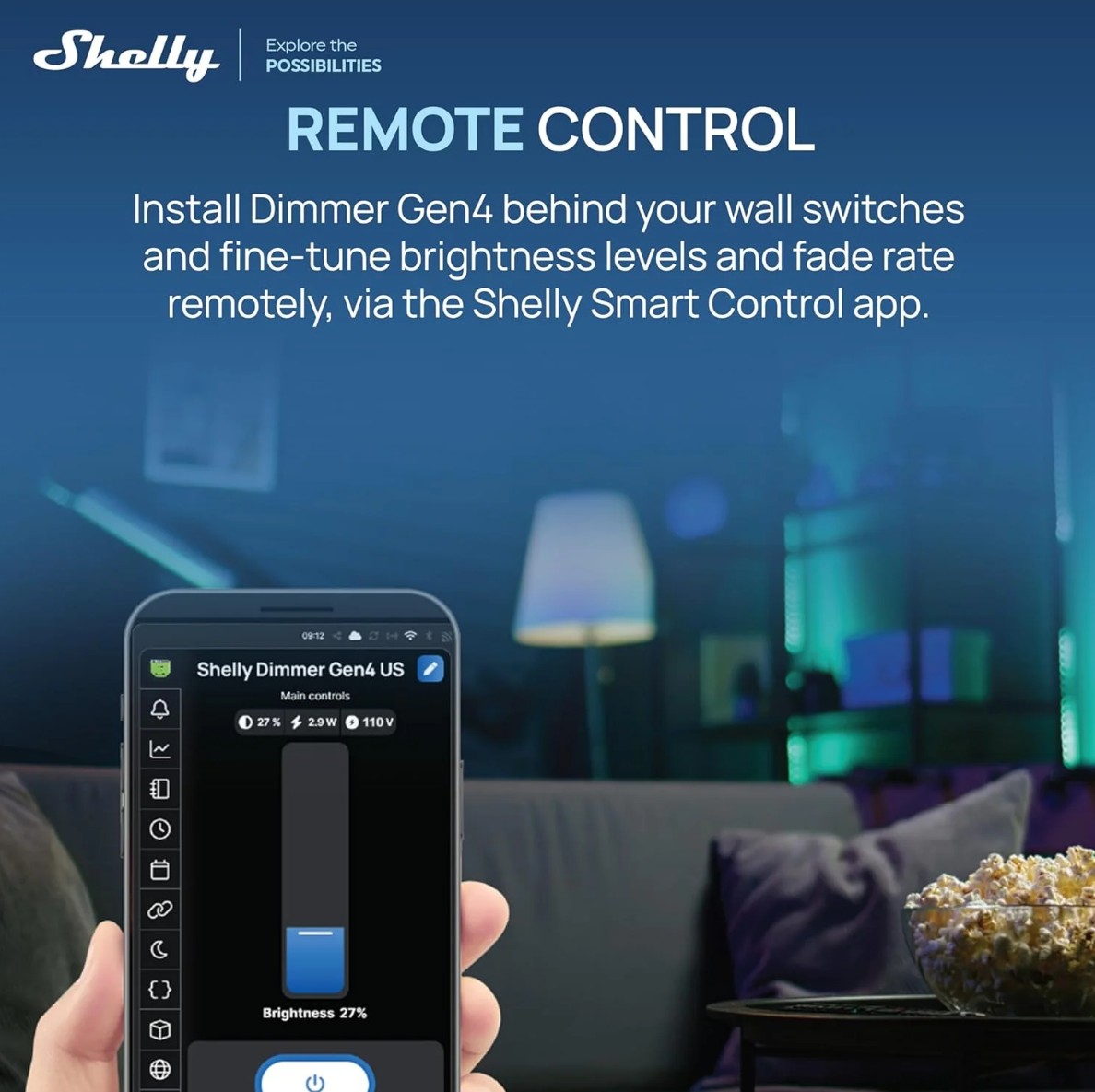
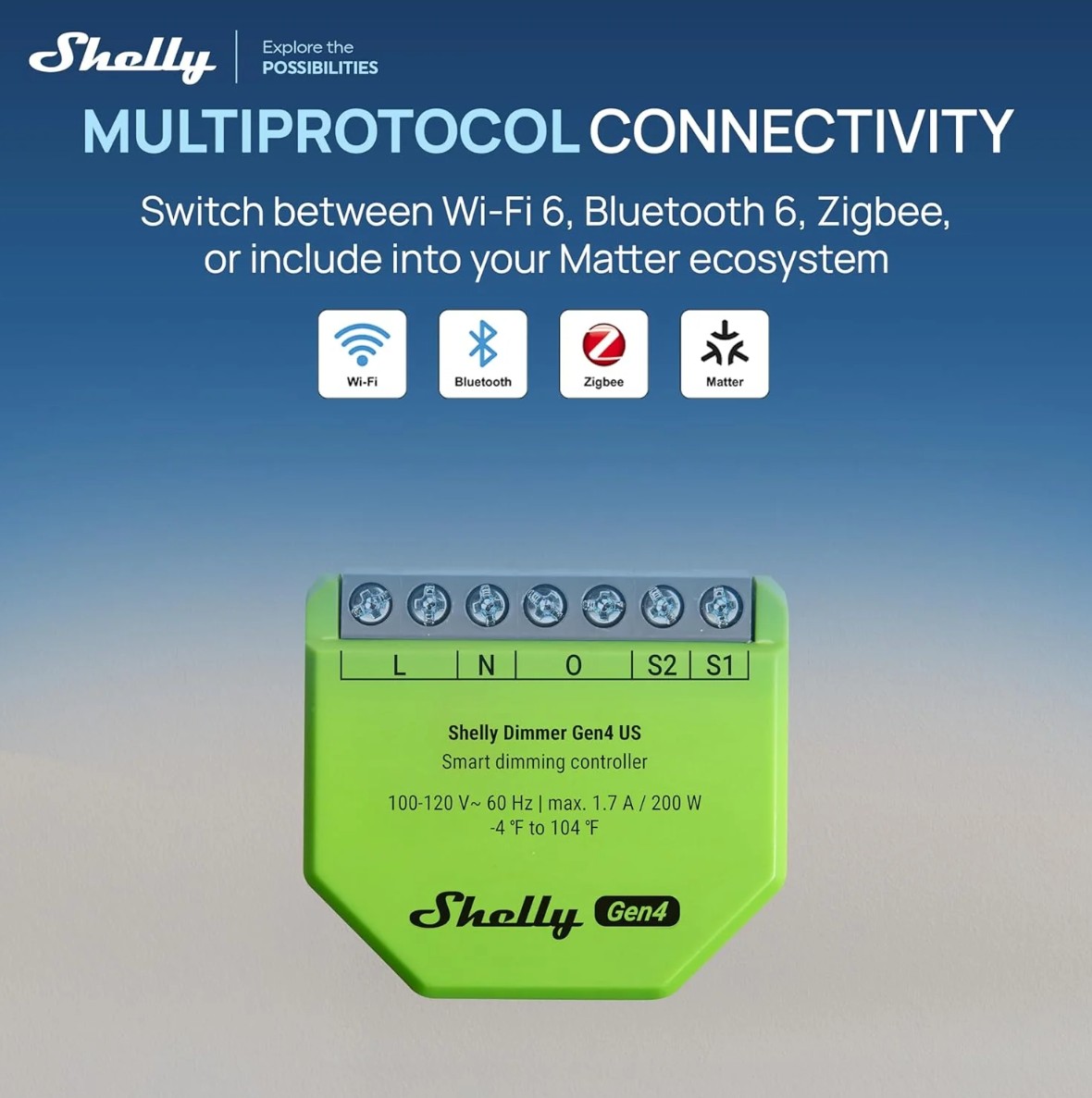
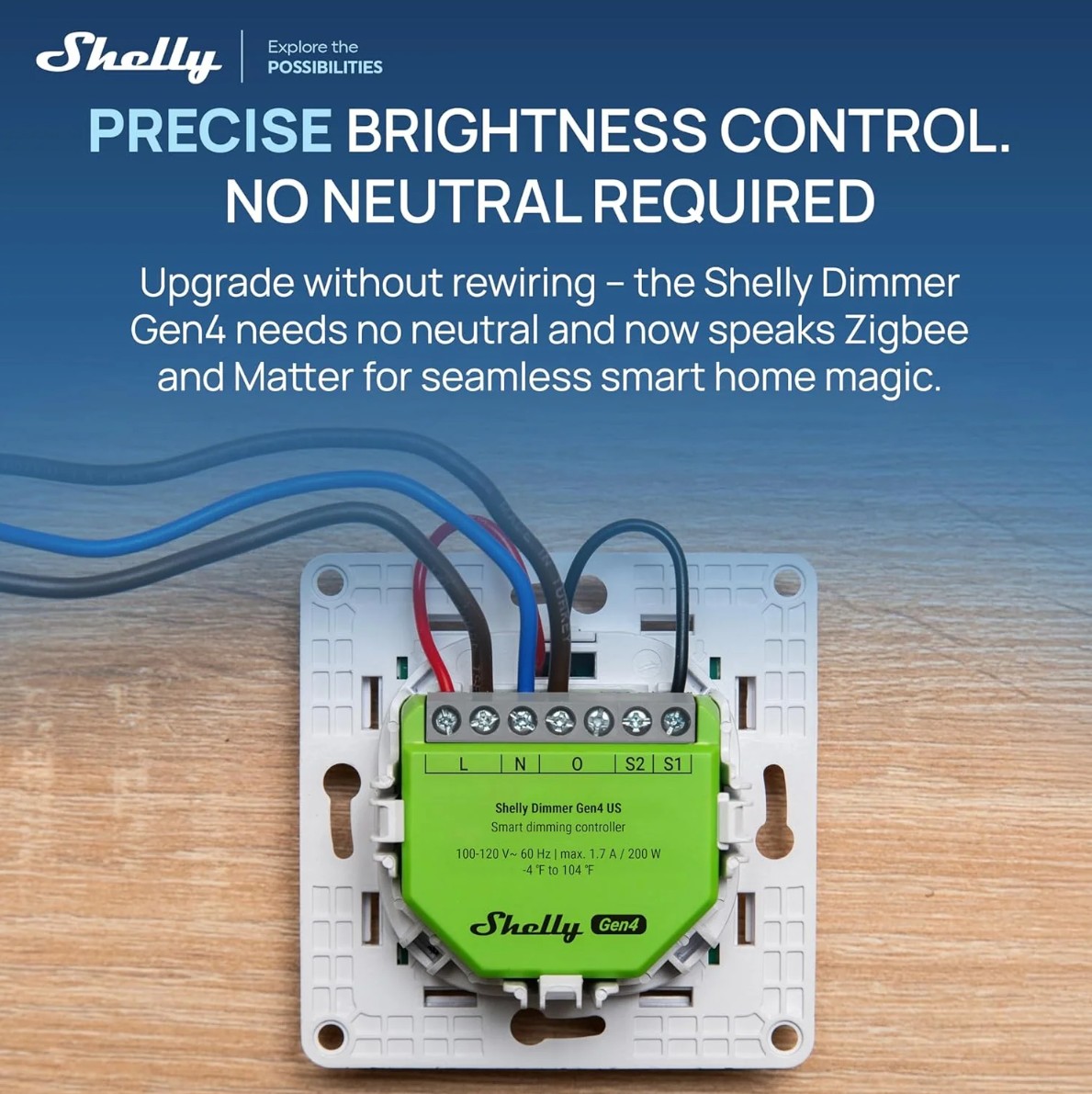
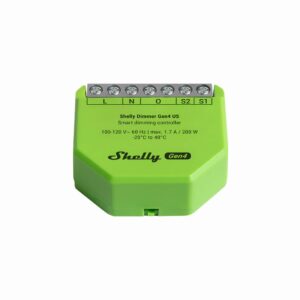
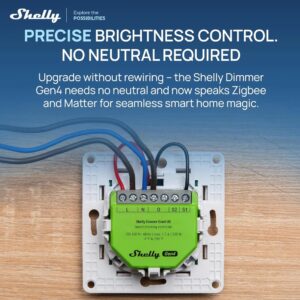
Shelly Dimmer Gen4 US (the Device) is exclusively designed for the US market. It is a single-channel smart dimming controller which allows remote control of dimmable lights and dimming drivers through a mobile phone, tablet, PC, or home automation system. The Device supports Wi-Fi, Bluetooth and Zigbee connectivity. It can work standalone in a local Wi-Fi network or it can also be operated through cloud home automation services. It can be accessed, controlled, and monitored remotely from any place where the User has internet connectivity, as long as it is connected to the Internet. Shelly Dimmer Gen4 US has an embedded Web Interface which can be used to monitor and control the Device, as well as adjust its settings. The Device can be used as trailing edge dimmer switch, only with neutral wire.
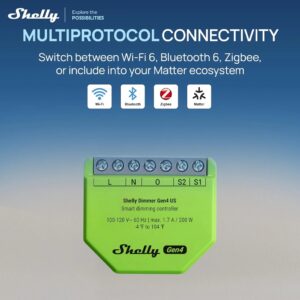
The Device is Matter compatible.
Functionality:
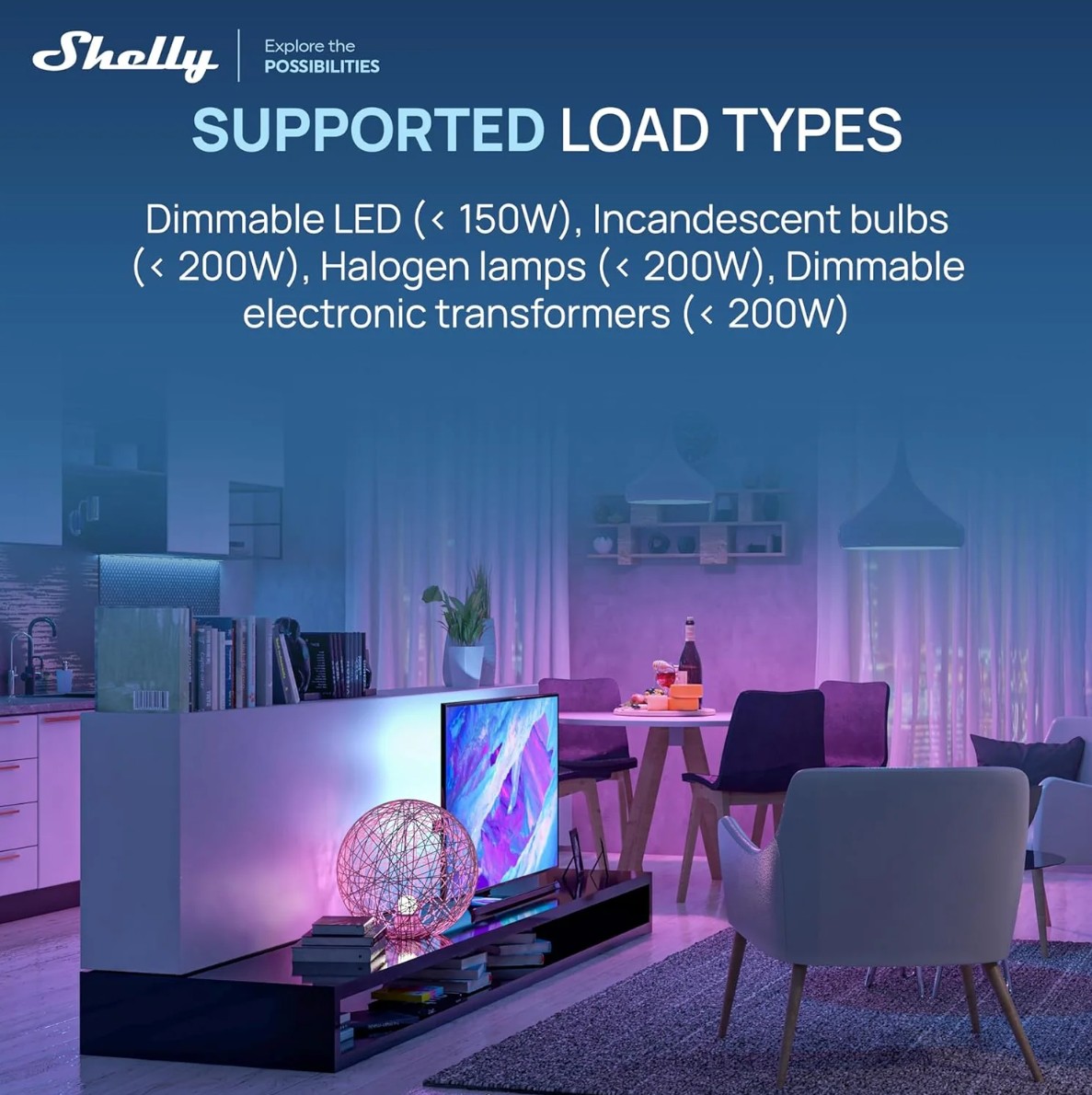
- Groups of lights: Groups of lights can be used, but they should have the same consumption (should have the same model and producer)
- Bluetooth: The Device complies the Bluetooth standard and can connect with other Bluetooth devices to exchange data in short range.
- BLE Gateway: Facilitates communication between BLE and Wi-Fi-enabled devices.
- Wi-Fi: The Device can connect to a wireless network.
- Wi-Fi Range extender: Retransmits the Wi-Fi signal and extends its reach.
- Zigbee: The device can be integrated into many popular smart home platforms and ecosystems like Home Assistant, Amazon Alexa, Samsung SmartThings, Google Smart Home.
- Zigbee Range extender for IoT devices: A Zigbee extender is employed to expand the reach of your Zigbee network by receiving your Zigbee signal, enhancing its strength, and then transmitting the enhanced signal over a wider area.
- Scripting: Allows creating automation scenarios through scripts.
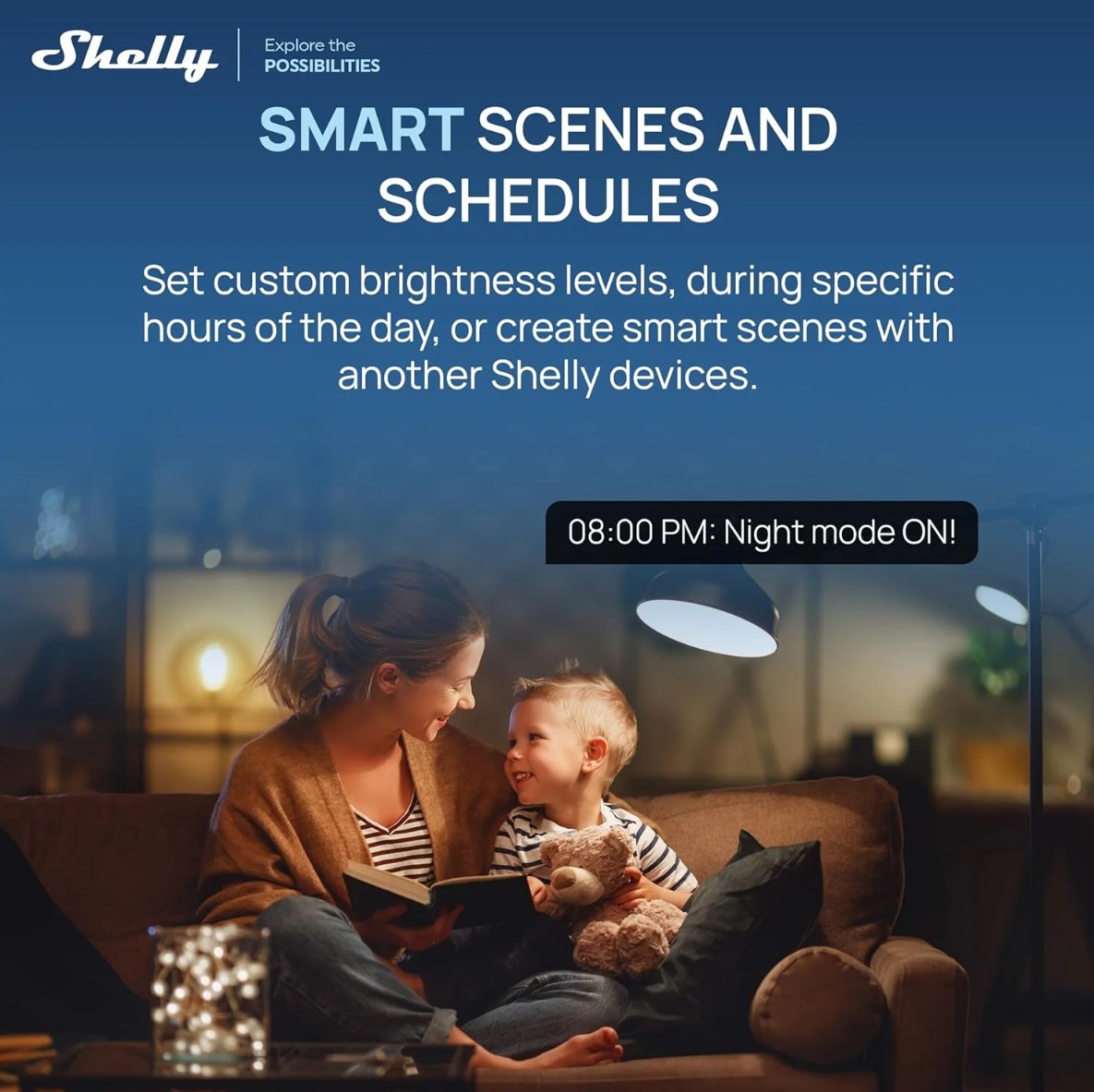
- Basic Schedules: Supports weekly schedules and routines, including setting of brightness, transition duration, and flip value of the dimming signal.
- Аdvanced Schedules: Supports detailed schedules and routines throughout the year with a broad range of time adjustments from seconds to months, including setting of brightness, transition duration, and flip value of the dimming signal.
- Auto on/off timers: Enables auto on/off timer setting.
- Local actions: Allows creating automation scenarios within the local Wi-Fi network, including setting of brightness, transition duration, and flip value of the dimming signal.
- Webhooks: Supports automation through lightweight, event-driven communication with other devices.
- Compatibility: Highly compatible with 3rd Party home automation systems.
- No need for hub: Ready for use locally or remotely via Shelly Smart Control or 3rd Party systems.
- Activity log: Stores detailed history of events.
- KVS (Key-value storage): KVS service provides a basic persistent storage of key-value pairs.
- Safety: Оver current/voltage/power protections.
- Power measurement: Information about voltage (V), current (A) and consumption (W) is displayed.
- Night Mode: Enables to set a specific brightness of input lights during nighttime.
- Transition duration: Controls the time for dimming from 0 to 100 % on toggle On and from 100 to 0% on toggle Off.
- Minimum brightness on toggle On: Brightness level (in percent) applied when there is a toggle On and current brightness is lower than ‘Min brightness on toggle’. Default is 3%. Not applied when explicit (custom) transition is defined in Schedules and Actions.
- Min/Max brightness: Reframes the range of the dimming signal to get more precise brightness control on the output.
- Switch/Button input mode: Allows flexible input control through switches and/or buttons
- One button dimming control
- Dual button dimming control
- Button fade rate: Controls how quickly the output brightness changes while holding the button(s). Default is 3x.
- Button presets: State to be applied on double-push (double-click) event. Default value is 100%
- Automatic dimming calibration: Provides smooth dimming throughout the entire range. Must be performed on a new device, after a factory reset and after every change of the load.
- On a new/factory reset device the calibration is started on the first toggle (through physical switch/button, mobile application, local web UI or rpc command)
- Calibration can be started with simultaneous long-push for 5 seconds of the two buttons. The calibration lasts no more than 2 minutes and on success the light is On for 10 seconds, then goes off.
- Virtual components: A special set of components that do not exist in the device initially and are created dynamically by the user.
- KNX: Supports KNXnet/IP communication
- Wide range of integrations: The device can be integrated with 3rd party home systems, documented HTTP API, MQTT(s), Web Hooks over HTTP and HTTPS, UDP
- Integration with Smart Home Platforms: The device can be integrated with popular smart home platforms, including Google, Alexa, and Samsung SmartThings. This enables voice control and automation capabilities through these platforms.
- Local and Cloud Control: The device can function independently in a local Wi-Fi network and can also be operated through cloud home automation services.
- Matter: Matter provides quick and simple process of adding the device to the user’s smart home ecosystem.


Reviews
There are no reviews yet.